Minimum
OS
Windows 10/11 x64
Memory
8 GB DDR4 (Min)
Architecture
x86-64
Software
After Effects 2020+
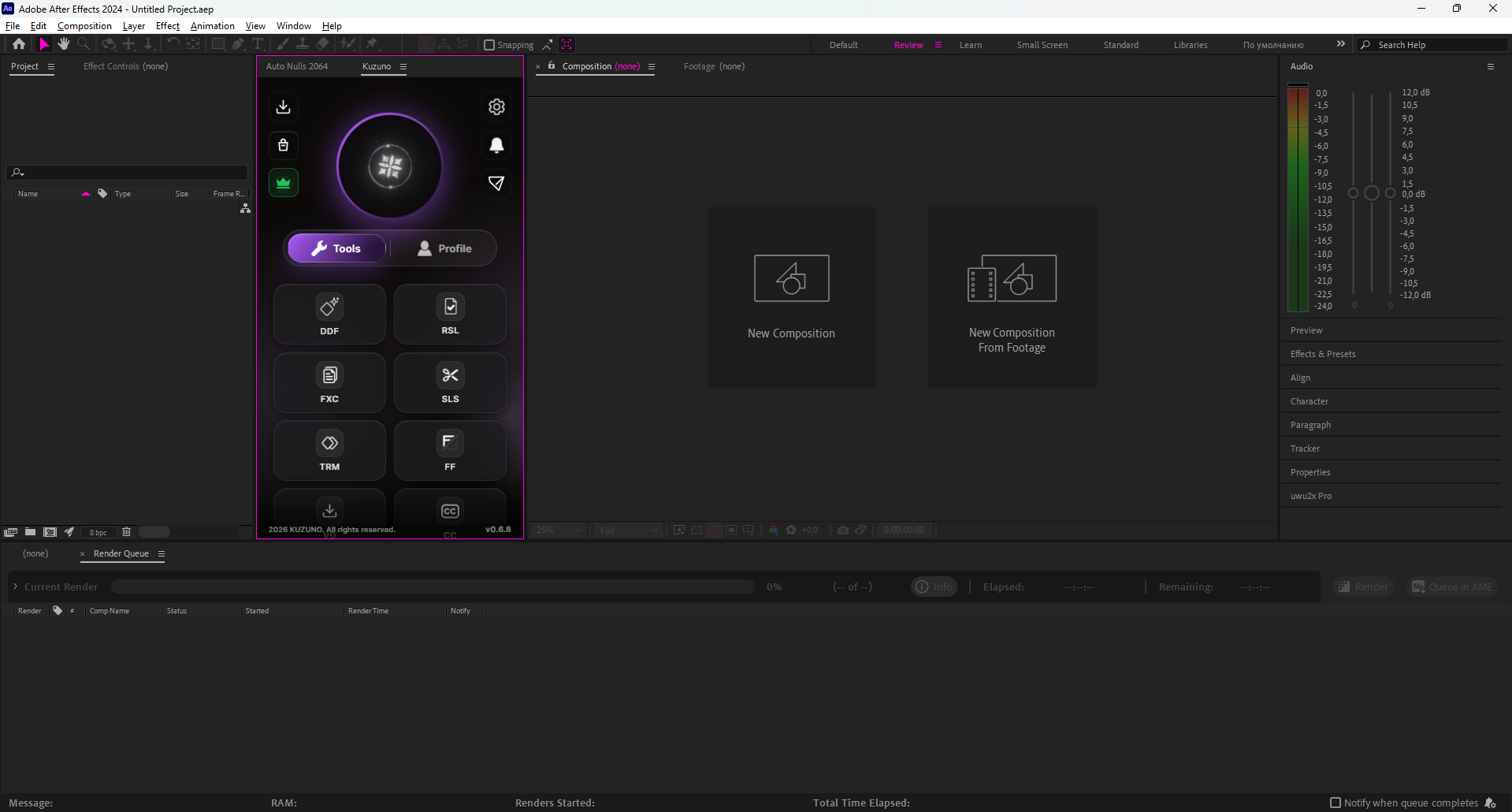
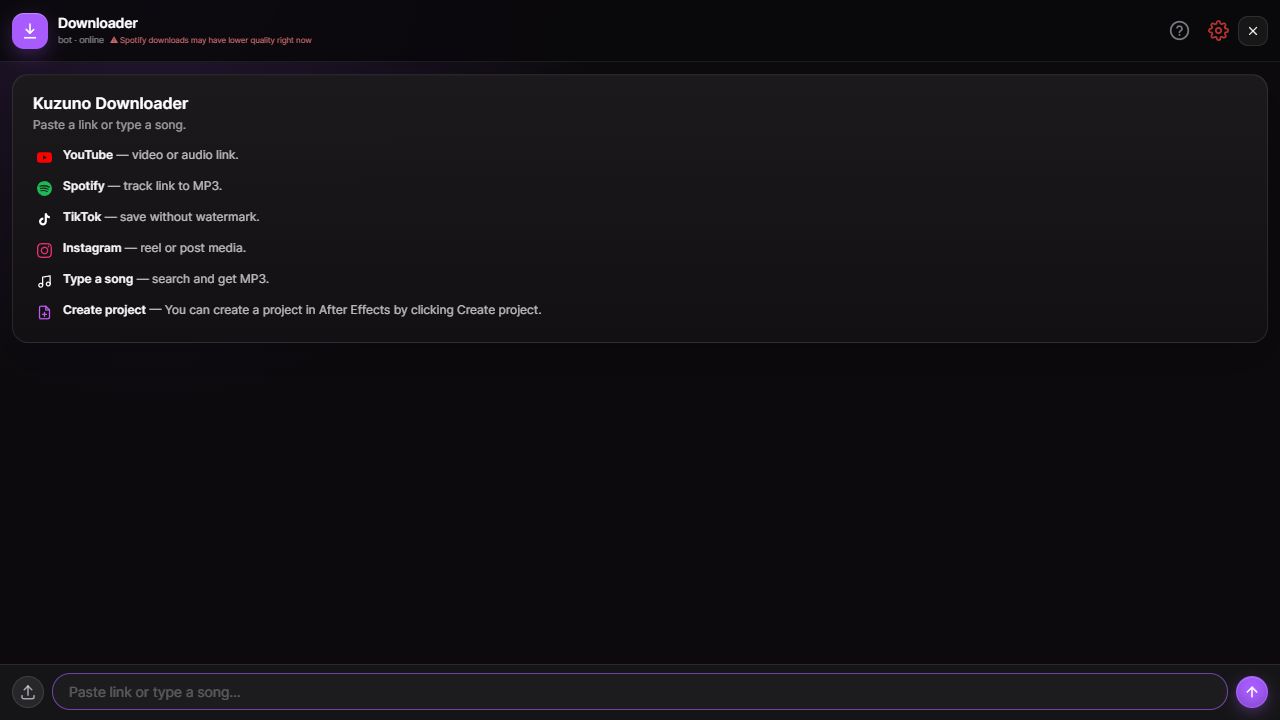
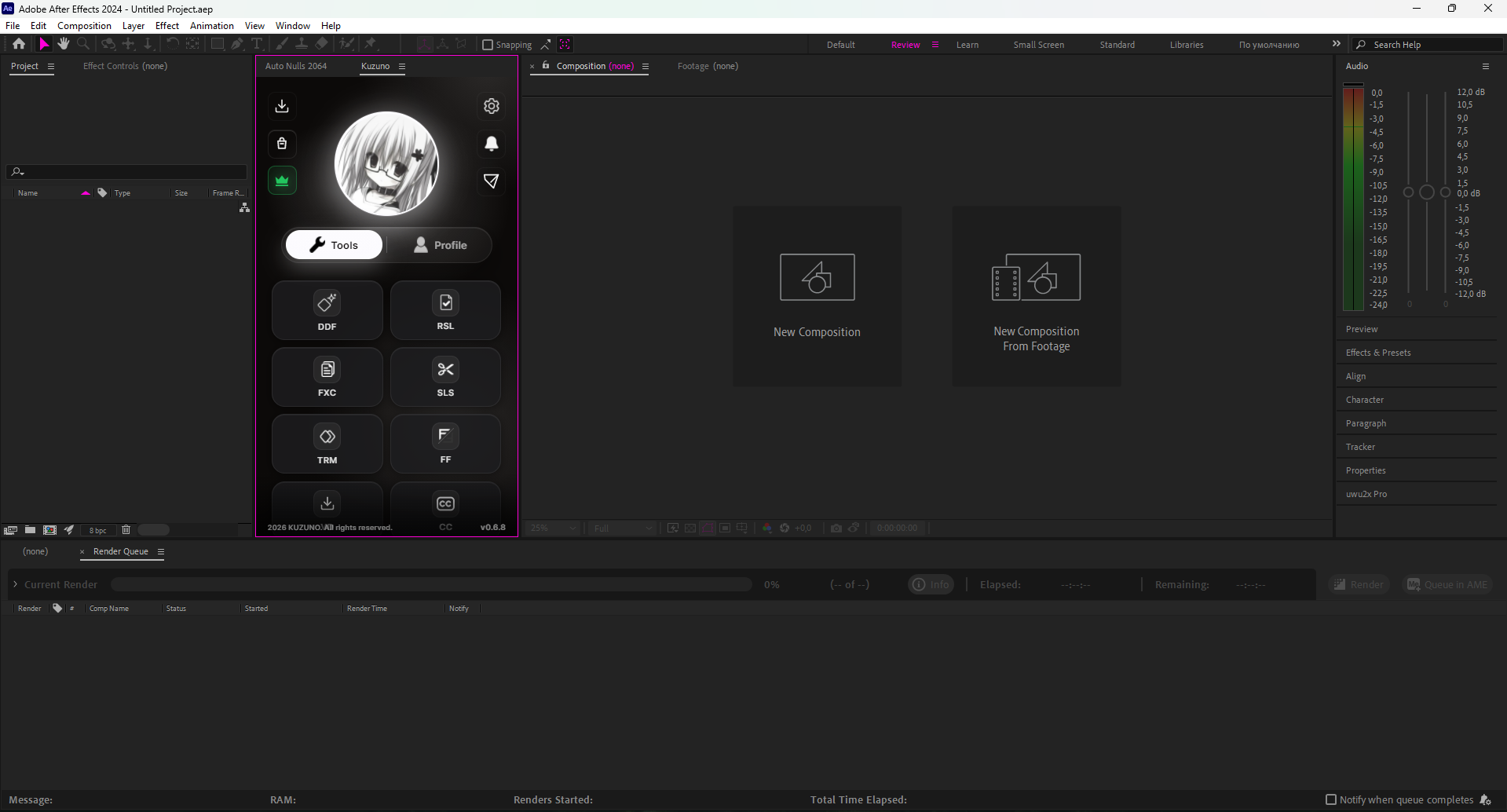
Everything you need to speed up your workflow. Kuzuno Script combines essential tools that remove the most time-consuming parts of editing.
Current Version: v0.6.7
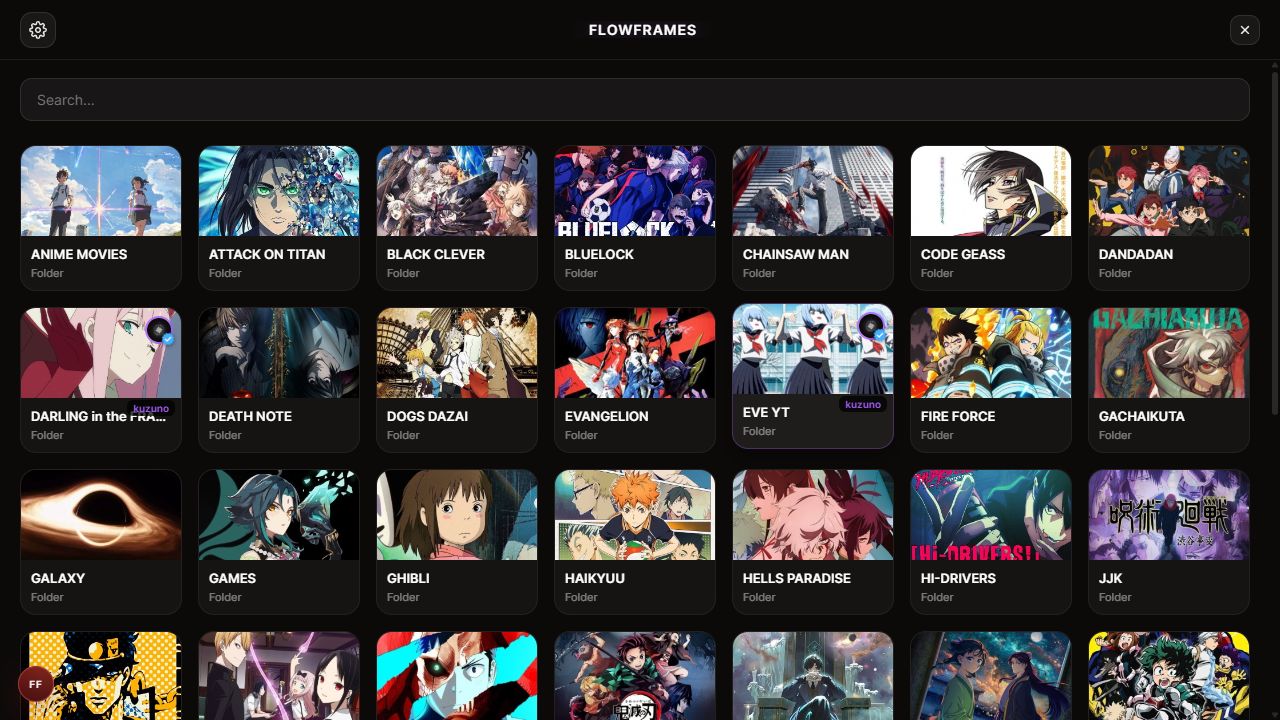
01 / Anime Dead Frame
Compare the original clip with DDF's Smart and Fast models.
Minimum
Recommended
Click the "Download for Windows" button above to get the installer file.
Run the downloaded .exe file. If Windows SmartScreen appears, click "More info" → "Run anyway".
Press the Install button and wait for setup to complete. The script will be ready to use.
Start for free, upgrade when you're ready for more.
Since our installer does not have a paid code-signing certificate, Windows SmartScreen may show a warning when you first run it. This is normal for independent software. The installer is completely safe and contains no viruses or malware. Simply click "More info" and then "Run anyway" to proceed with the installation.